



Managing AI context is something top of mind for folks, but your own thoughts, ideas, judgement, and understanding—paired with deliberate collaboration and communication with others—are the true foundation that will carry you through your technical journey, regardless of the current zeitgeist of tools and technology.
I gave this talk at posit::conf 2026 in Houston, Texas, USA. Originally titled "What context do your AI agents actually need?", and reframed to "What context do you need?", this talk advocates for human understanding and collaboration amidst the constantly changing AI landscape.
You can click through the slides here. Below is a blog-posty adaptation of my talk.
Hi! I’m Sharon, I work at posit, and I’ve been leading the AI Assistant workstream in the Positron IDE.
I want to explore this question: what context do your ai agents actually need? But first, I’ll ask you to think about whether any of these apply to you.
 |
 |
 |
Have you ever felt:
- felt frustrated when using AI agents?
- unsure or overwhelmed with all the constant changes due to AI?
Or maybe you’ve been leaning into using AI so much, that you’ve been called out by your IT department for your token usage?
You've probably noticed that a lot of us are having some sort of pronounced experience with AI tooling, whether it's through discourse you've seen online about AI, discussions at work or with the people around you.
I want to highlight that these sensations are felt by many of the folks around you.
But not to worry!! We’ll solve this totally and completely because I’m going to answer once and for all what context your AI agents actually need.
Or...perhaps we instead ask: What context do you need?
Because, although I’ll go over some tips around managing context for AI agents, I actually believe the most important thing is that you have the context, and ultimately that you understand and build your knowledge.
Ah!! Oh no!!
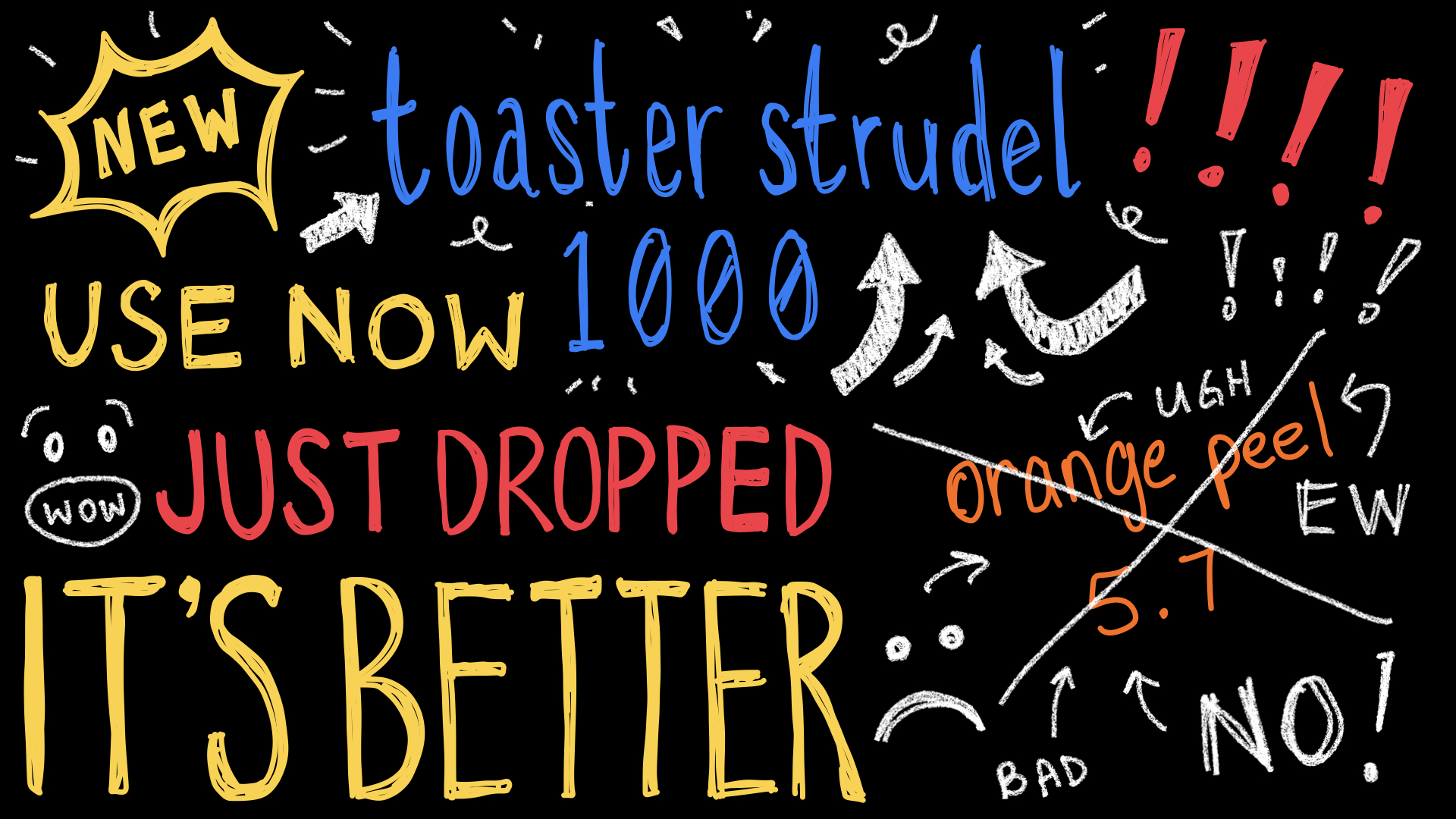
BREAKING NEWS: a new agent harness just dropped!! Sad times, the tool you’re using is now old news, not even good :(
Simultaneously, the toaster strudel 1000 model just dropped and you aren’t even using it??? You gotta stop using orange peel 5.7 and start using toaster strudel if you want the best results, it’s wild what you can do with it!!!! you haven’t even tried it yet???
Guys guys ok don’t get distracted!! Let’s think about this question:
It’s what I think will hold true, even as LLMs, agent harnesses, tools, and best practices update and change
To make a case about this reframing, let’s start with a reflection on what has changed in the last year.
In terms of frontier large language models in the last year:
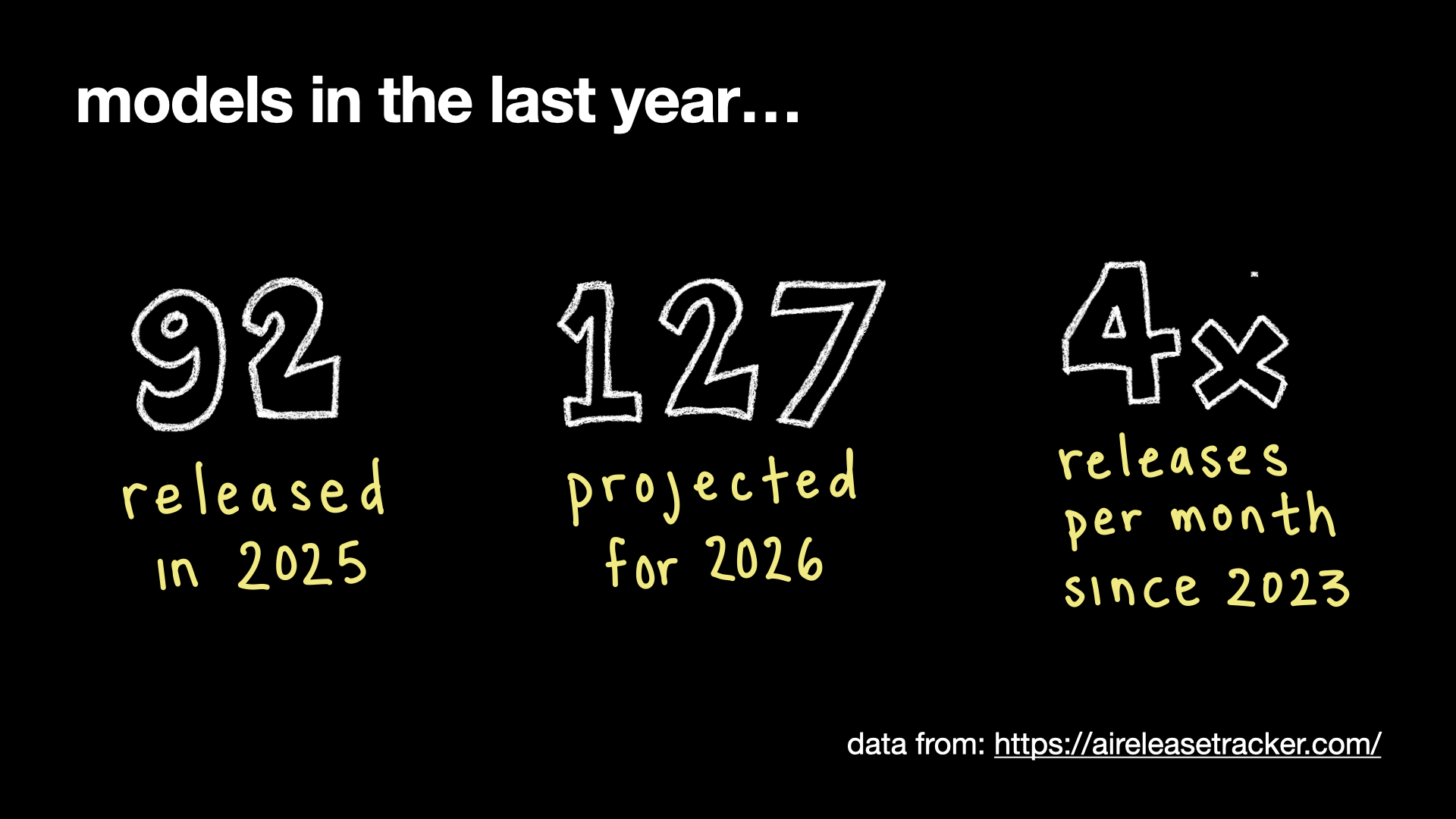
- 92 of them were released in 2025
- there’s a total of 127 projected to be released this year in 2026 (76+ at the time of writing)
- and since 2023, the models released per month has increased by more than 4 times!
This is just models getting released (data from: aireleasetracker.com). This doesn’t even cover all the different tooling, harnesses and standards in the last year.
In this last year, I navigated a couple role changes myself. I stepped into a team lead role for Positron’s AI experience, and have since transitioned to engineering management.

Throughout all these AI developments happening, I’ve found myself: changing my own software engineering workflows, to use ai tooling to build ai tooling and then also learning to lead a team to build ai tooling with ai tooling, and now, how to support my direct reports, my team, and the company to build, learn, collaborate and grow together, along with all the complexities and conveniences of AI tools, and using ai tools to build ai tools.
There's been a great deal of change in the last year. And I have to say, navigating these workflow and role changes in a time like the past year has been INTERESTING, to say the least.
With that in mind, when I was putting this talk together, I felt...unsatisfied with giving an agent tips talk which would just become outdated.
In the development of AI agents for Positron, we experienced this phenomenon ourselves. Some of the best practices from last year around context management ended up being practices we had to undo or abandon!
- Joe Cheng wrote a blog post on "A brief and biased history of Posit data science agents"
- Sam Clark gave a talk at posit conf 2026 called "Three Agents, Two Mistakes, or Designing for LLM-Assisted Data Analysis", covering our learnings from the evolution of Posit Assistant.
Reflecting on the last year, I realized that what actually got me through all these changes was thinking about what context I need to do my work and support my team. That’s what made the true difference beyond picking up the technology and tooling changes.
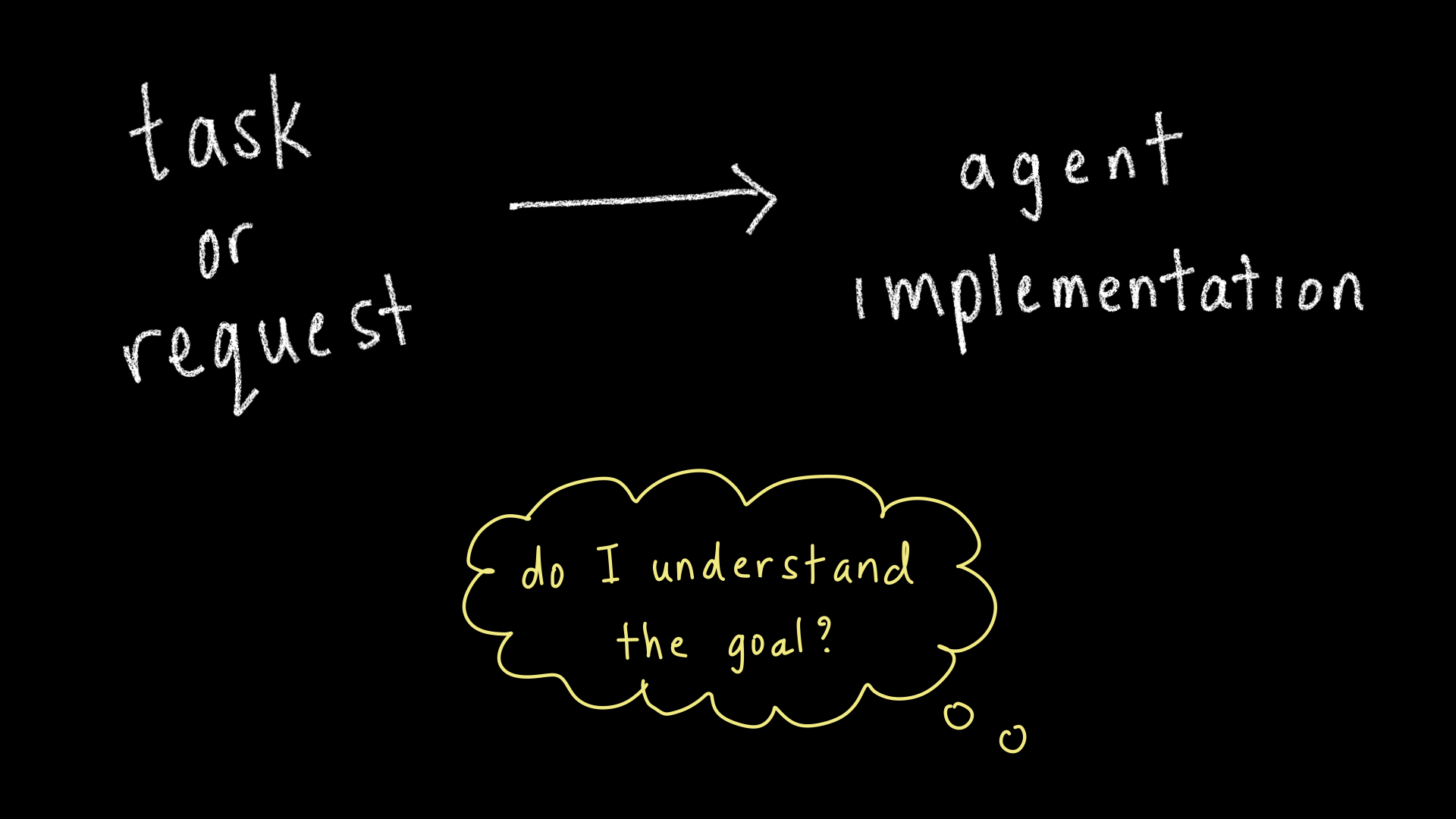
For many folks these days, reaching for AI tools might be as automatic as checking your phone. It might even be so automatic or tempting that you skip the step of checking your own understanding or knowledge of the domain.
We can recognize the shortcomings of vibe coding or arguably worse, vibe data science-ing. There are cases where firing off a task for the agent isn’t high-risk, but a lot of the work we do isn’t as simple as one-shotting something and accepting it.
You need a solid understanding to effectively document the context for your agent anyways, as you can’t write down what you don’t know!
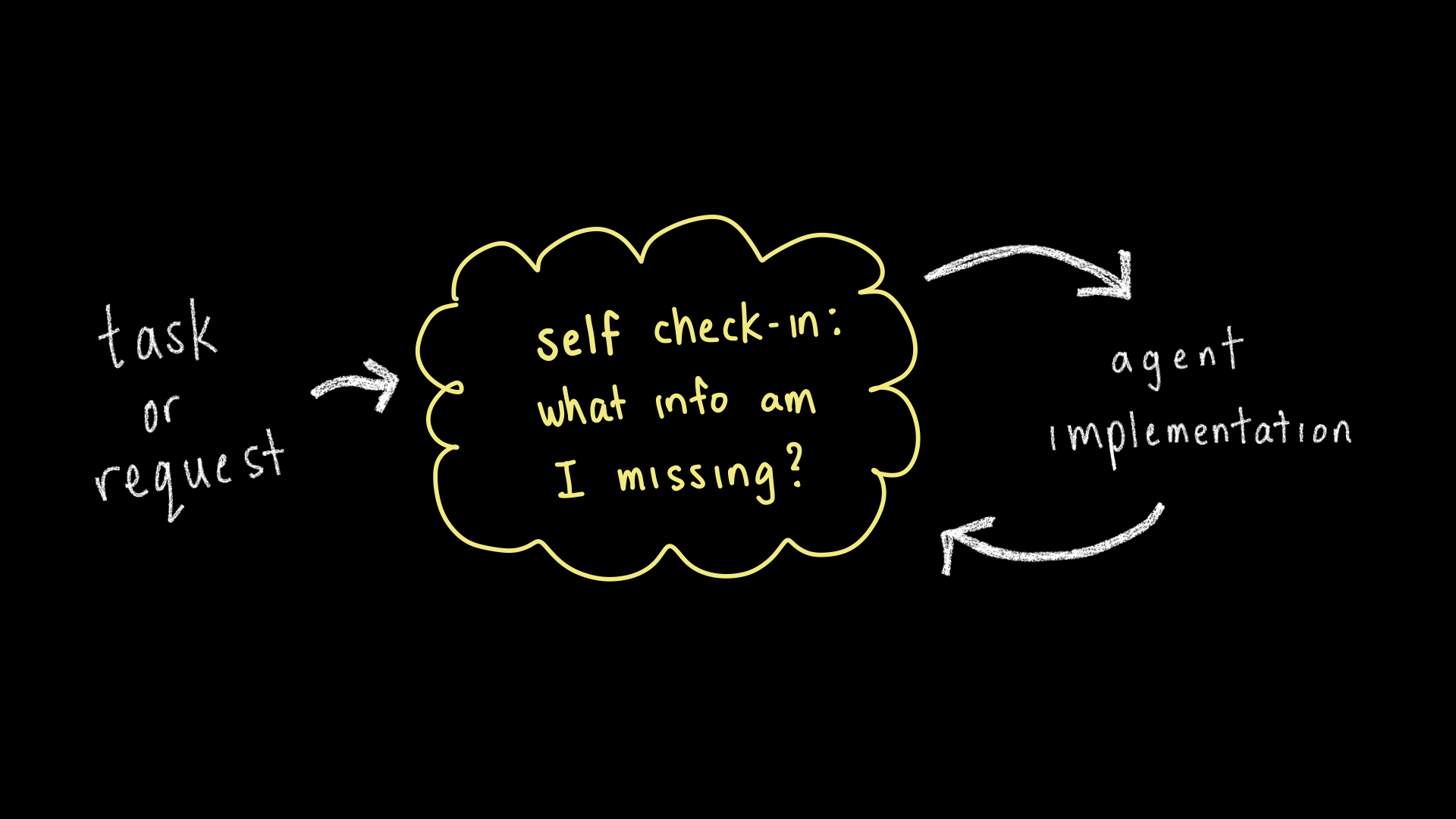
This isn’t to say you need to completely understand everything upfront, it’s just a call to remember to check your own understanding, before you get caught up in the different ways to include context, because...
data is messy!
There are so many subtleties, and without your own understanding, how will the AI tool get it right? Your domain expertise provides the edge needed to create a compelling and truthful analysis, AI-assisted or not.
- see also Sara Altman and Simon Couch's talk "It’s (still) very bad to be wrong"
Let’s imagine jumping onto an unfamiliar project:
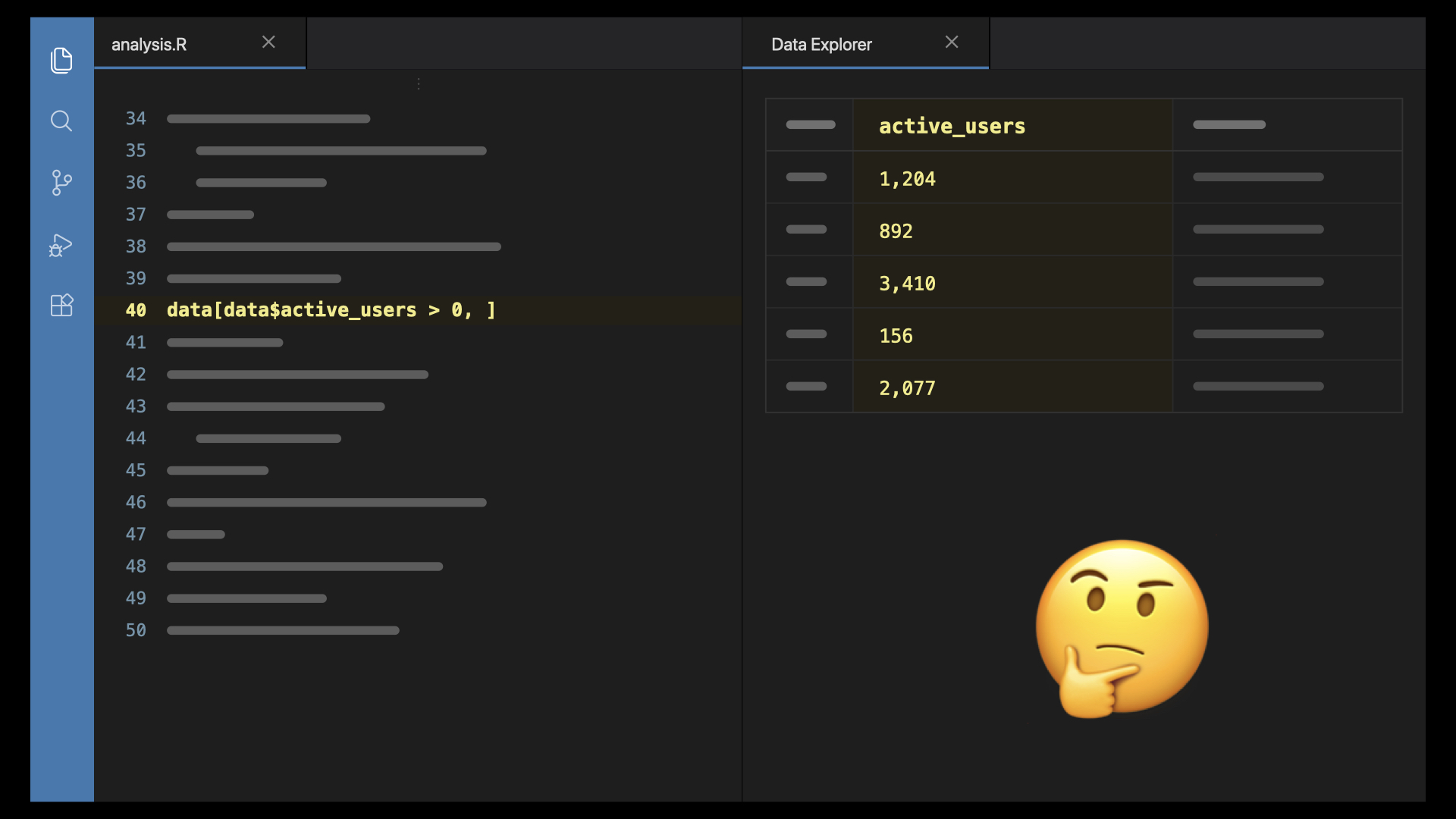
You’re poking around in the data and the code, trying to make sense of it. Maybe you look at the git commit history and actually realize, yikes 😅, you're the one who wrote the code and did the analysis, but you’ve since forgotten. The context has been lost and there wasn’t enough documentation!
That’s more or less the situation your agent is in every time you start a new chat. So, what can you do about it?
Let’s start off with 2 tips for building your understanding.
2 tips for understanding
tip 1: do an inventory of what you already know
Do an inventory of what you already know. These are all questions data scientists are well practiced in asking and answering, and they continue to be important:
- What’s this for? What question are we answering, and what decision rides on it?
- Where did the data come from, how was it collected, what does a row actually represent?
- Who knows about this, what did they learn? Who can I talk to?
- What are the limits and constraints? deadlines?
- and if you caught Sara Altman and Simon Couch’s posit conf 2026 keynote "Correct, reproducible, and transparent data agents", do you have trusted code you to reference?
tip 2: write goals and outcomes before you start
Write down some goals and outcomes for yourself, maybe on a piece of paper or your notes app. And really try to write this for yourself, don’t try construct something for an AI agent.
Perhaps you write down:
- What do you expect to see?
- What you don’t want to see?
- and my favourite: what are your ideal outcomes?
I find this to be helpful to think about upfront, otherwise reviewing and iterating on agent output in the moment can mean endlessly changing goalposts, inflating scope, and the agent spinning its wheels.
Now let’s talk tips for building with AI agents.
3 tips for building
types of context
Generally, these are the types of context you’ll interact with when using agent tools, though I’m writing these based on Posit Assistant:
- entered in chat: your chat message, anything you paste in, aka your prompt
- agent retrieves automatically: the “system prompt”, IDE context, console output, open files, data schema, tool results
- written ahead of time: AGENTS.md, custom instructions, skills, memory files
- fetched on demand: file search, MCP servers
You don’t always have a ton of control over the context your agent retrieves automatically and it varies by harness, so we'll focus on context you enter in chat, context you write ahead of time, and context that's fetched on demand.
tip 1: write your understanding into context
If you’ve done the work to understand your goals and your data, you’ll have what you need to write into project context files, or what you need to provide to the new commons library from the Sara and Simon's keynote.
Context files
AGENTS.md, memory files and other context files will help you avoid re-explaining things every chat session, and give you a place to put instructions the next time you notice yourself re-explaining. They are a place for you to record:
- source and history of the data
- caveats, conventions and decisions
If you find yourself wanting to record learnings as you work with Posit Assistant, you can use the /savememory skill to do so.
Skills
You can also write up a skill for anything you notice is a regular workflow, perhaps a data processing step, or a particular way you want to generate a report for a project.
In Posit Assistant, you can use the skill /create-skill to make one.
tip 2: tell the agent where to look
Beyond the context files you write, you'll need to tell the agent where to look for additional context. These might be specific scripts, code, and other data.
File path over file contents
When you reference these things, try to reference file paths rather than pasting file contents into chat. The agent has to process everything you paste in chat, but if you just paste a file path, the agent can search the file rather than reading in the full contents.
This can help reduce your token usage and keep your context window healthier.
Code and text over images and screenshots
Also, whenever possible, reference files, code and text, over screenshots.
Not all models have the capability to interpret images well, and even if they do, it’s often token intensive because the model has to interpret the pixels of the image to reconstruct any content and text in the image that you see.
This means providing filepaths to relevant HTML, QMD, SVG, etc. files instead of attaching an image or screenshot whenever possible.
Connecting to external sources
If there’s data or functionality from a live source like an app, you might want to use MCP to connect to it directly, so the agent can retrieve what it needs, rather than you copy pasting content from the app.
I won't go into detail on MCP here, but you can check out:
- What is the Model Context Protocol (MCP)?
- Neal Richardson's posit conf 2026 talk "MCP, or not MCP?"
tip 3: start a new chat
- please
- please start a new chat
- it’s been 3 days
- it’s time
- new task? → new chat
- side quest? → new chat
- are you yelling at the agent? → new chat
Re-explaining yourself in circles in a chat session can be a sign that the agent's context is pretty messed up and it’s time to start anew.
You might be holding out on starting a new chat. Is it because you’re worried about losing the context in the chat? It’s worth considering whether some of that context actually needs to get written to a note for yourself, a memory file, a plan doc, or AGENTS.md, so that the stakes of starting a new chat are minimal.
If that’s not compelling enough, there are also token usage consequences of keeping a long standing chat session. Winston Chang gave a talk at posit conf 2026 "Why is AI costing me so much money?", if you're looking for a deeper dive into token usage and cost.
Finally, lets grab some tips for building collaboratively, because realistically we are often building in teams, working on projects together.
2 tips for building collaboratively
tip 1: build shared understanding as a team
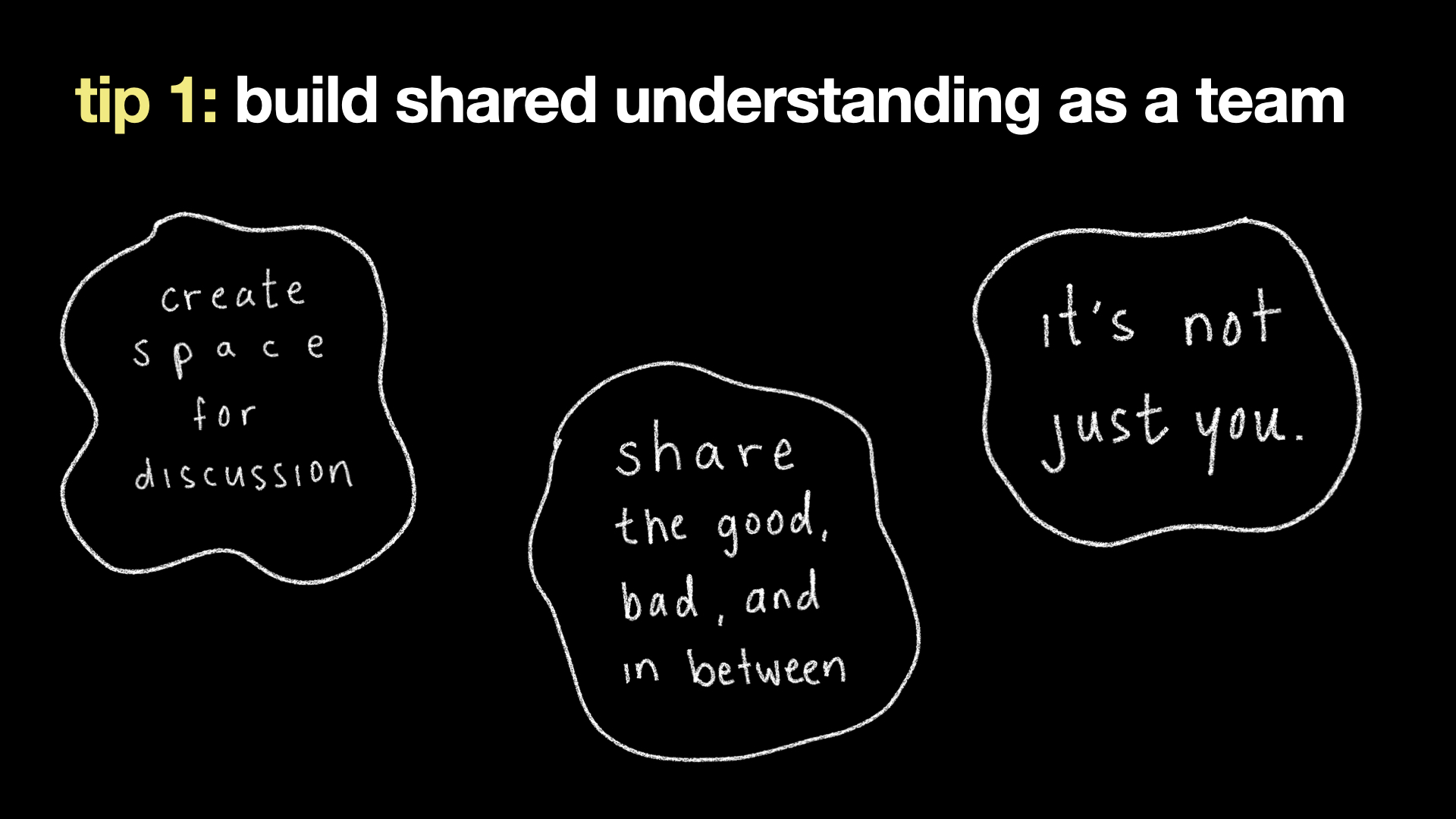
The understanding inventory I talked about earlier is something to build with your team, to combine everyone's expertise and also ensure everyone shares a common understanding.
create space for discussion
So it’s important to create space for discussion, especially about using AI and any gaps in knowledge.
Maybe it’s a discussion point in your team meetings. Maybe it’s a new meeting at the company level. Maybe it’s something you chat about when you pair or have a 1-on-1.
share the good, bad, and in between
In those spaces, share both what isn't working for you, and what is.
A lot of the agent tips I shared today actually came from pairing or team discussions. We’ve all got our collections of frustrations and solutions around AI, please share yours with each other.
know when it's not just you
This last year highlighted for me the importance of knowing when it's not just you.
It is a lot to constantly relearn tools. It’s not for you to navigate alone anyways, and it paves the way to improve things as a team.
tip 2: revisit how you work as a team
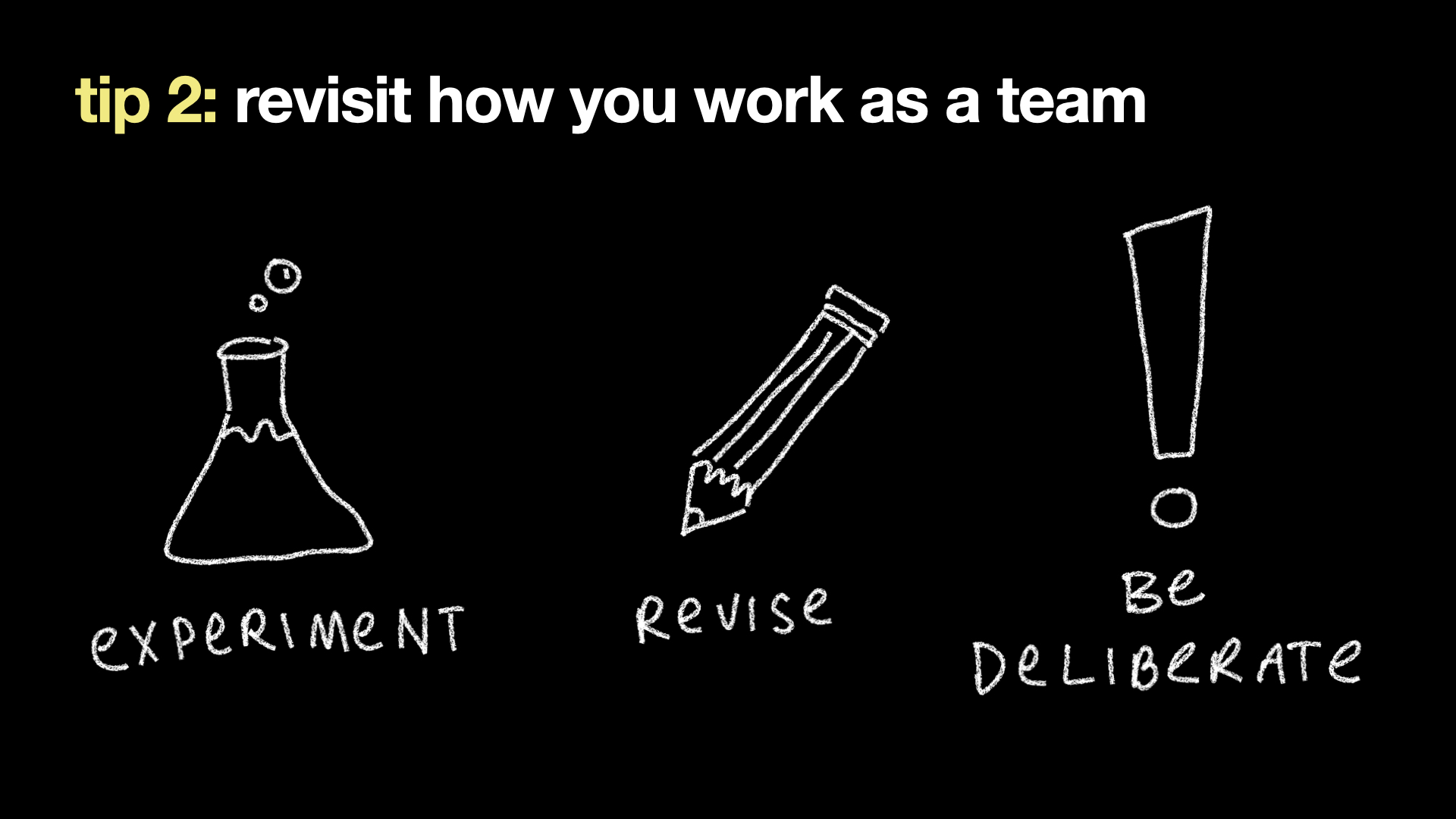
experiment with workflows
If every individual is changing their ways of working, chances are the team-level ways of working need experimentation too.
I spent a while having to repeat the same guidelines across chat sessions, until it came up in team conversation and it turned out many of us had a similar problem.
Then, we started adding context files and skills for our codebase, for consistency and convenience. We even iterated on the skill’s prompting as a team.
revise your workflows
Secondly, check in on any team workflows or habits to revise.
Maybe something predates agents and doesn't quite fit anymore. Or maybe it goes the other way, and there are habits your team unintentionally dropped that you may want to re-adopt.
be deliberate about your ways of working
This last one is what I’ve been thinking about more lately: what needs to be deliberate.
I want to write more down on paper, and take the pause to check my own understanding more often. That used to be a natural part of my workflow, and I've noticed I have to be deliberate about it now.
Similarly, unspoken team habits, rituals and even team cohesion can easily slip with so much attention on AI tools. It takes deliberate attention to identify any issues arising, and to keep on top of them.
In closing, you're not bad at using these tools, these tools are just changing so fast! It’s hard to build stable ways of working with them.
A lot of the time, even with best practices, you probably won’t always have effective context, optimal token usage, or the best outcomes anyways.
The tips on agent context I gave above might be made obsolete by new releases of models and agent tools very soon.
However, the context you have will carry you through regardless, and I think this is where the emphasis should be:
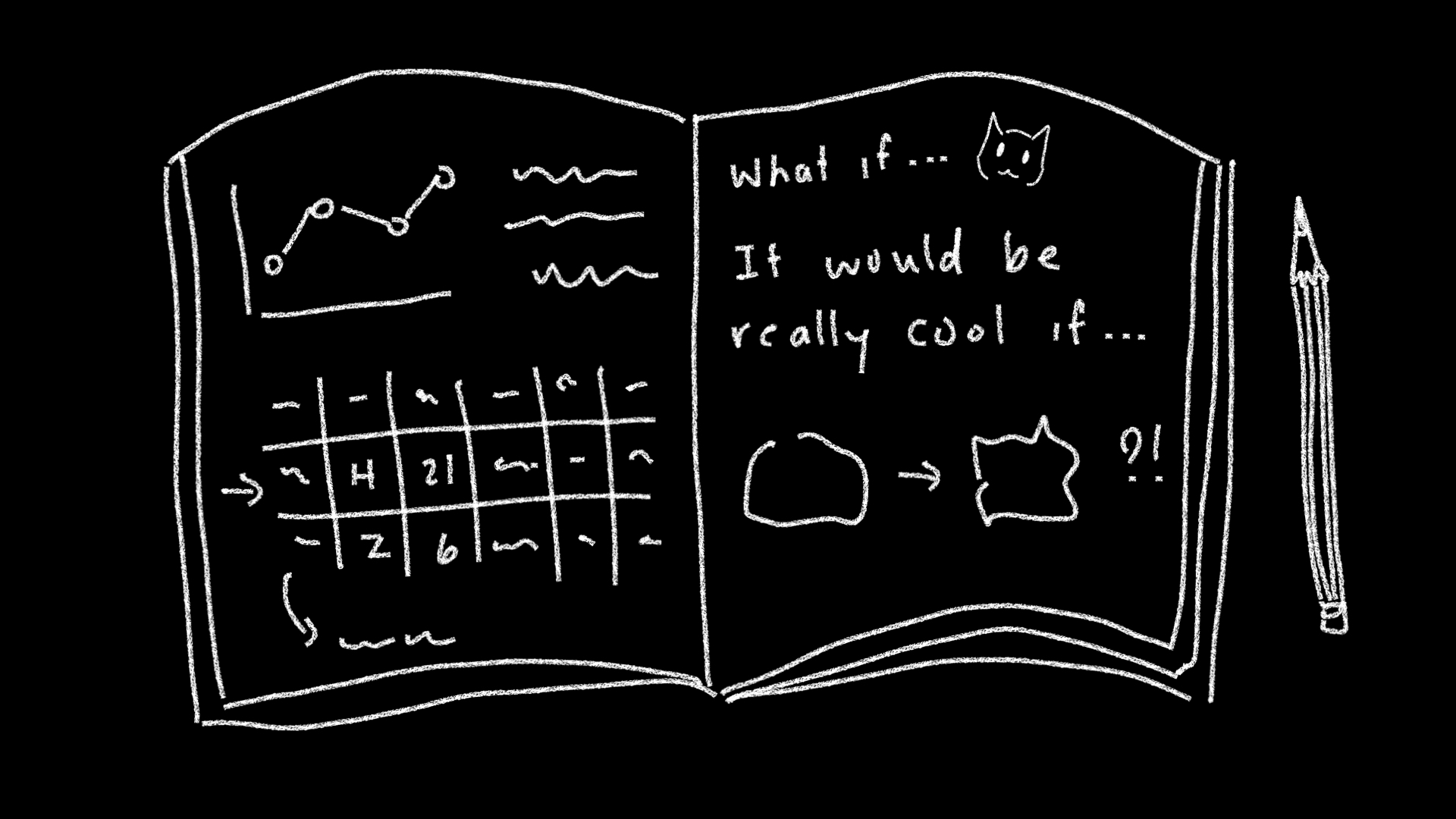
The next time you reach for an agent, I invite you to pause for a moment and ask yourself what the caveats are, what’s missing, and what ideal goals you have. Maybe jot down your thoughts somewhere just for yourself.
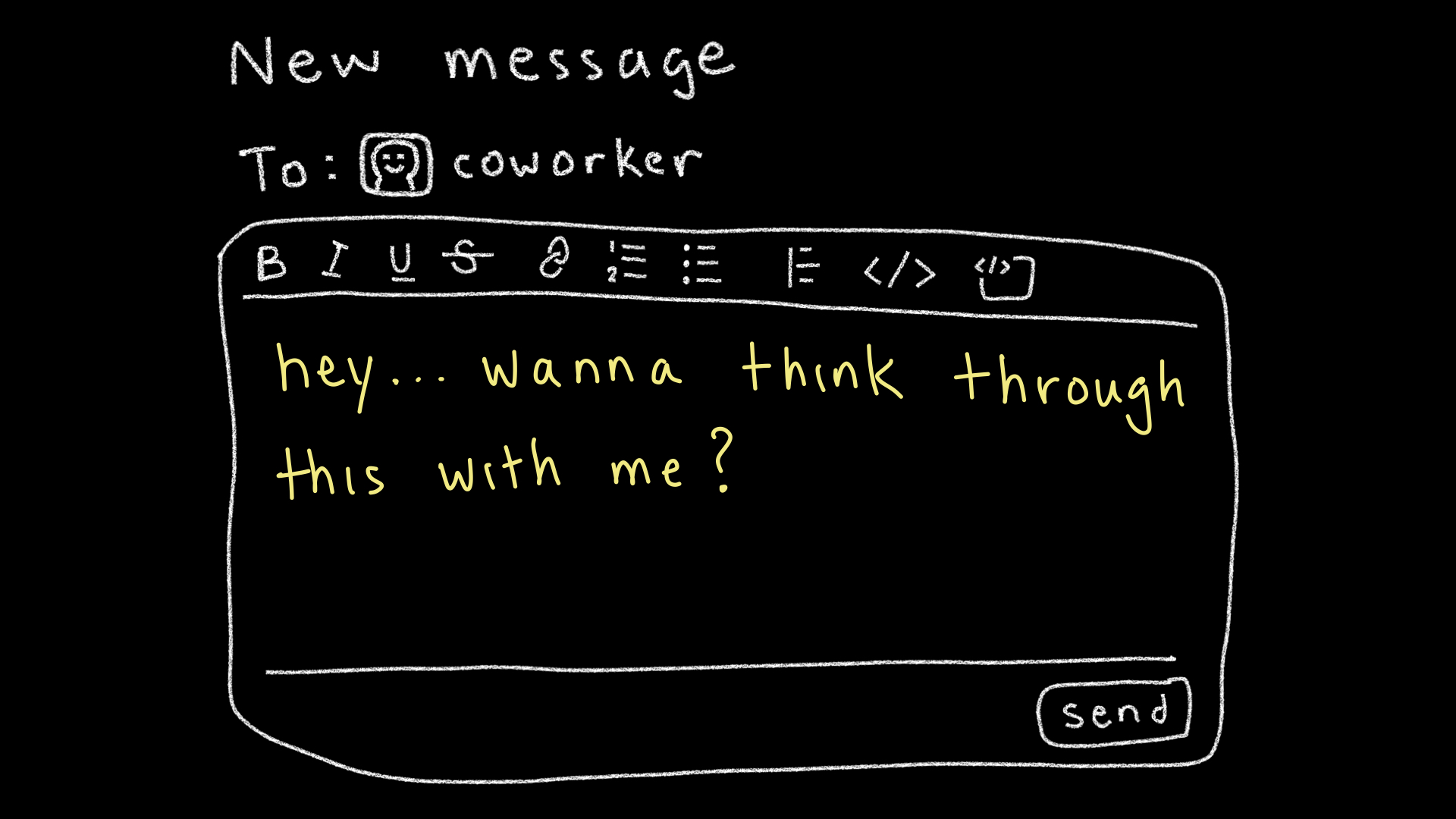
Or, the next time you hesitate between chatting with an agent or chatting with your coworker...consider asking your coworker to think it through with you.
It can feel easy to ask an agent, and maybe you don’t want to bother your coworker, but it doesn’t mean you should skip an opportunity to learn and think with someone else. You’ll probably have a better agent session afterwards anyways.
If you were at posit::conf 2026 or if you attend any conferences and meetups, you go to learn and connect with others, because there's some understanding you want to build.
So I want to advocate for not losing sight of that. It’s meaningful to put energy into understanding, learning and collaboration.
Let’s do it deliberately.
Q&A
How often should you prune/update persistent context files like memory, and how should you go about that?
You may want to have a workflow where your memory/context files are updated as you make changes to the project, so that pruning and updating aren't a distinct step/chore, and instead maintaining your context files occurs as you build.
You may want to integrate it as part of your agent workflow, possibly as something you add to your AGENTS.md. For example, you may have a memory files directory in your project where context files get written. Your AGENTS.md can include guidance to keep those files updated as you make code changes in your repository. So when you ship code changes, your memory files are updated alongside them.
For example, you might add something like: "Before starting implementation, consult the files at /path/to/your/context/files for background, decisions and conventions. Add to or update these files when significant changes occur or new decisions or conventions need to be added." This is pretty vaguely worded, so you'd want to adapt and play around with this prompting for your particular projects. You may even want to be specific about the format/structure of the context files that you want the agent to follow.
How do you tell that a feature or practice in your workflow needs to go/must be made obsolete? Criteria? Smells?
As a general rule of thumb, I would say that anything that is over 1 year old is likely due for a review or check-in. Nowadays, you might even want to check in earlier, like every ~3 months for brand new workflow practices. The key is that enough time has passed for the workflow to have been used a bunch of times, so that those affected by it have formed some opinions on it, and that the impact of the workflow is something that can be described, so that you can solicit feedback.
If there is a way for you to tell how often that workflow is being used, you might be able to identify low usage. That could mean people don't know about the workflow, don't know how to use it, used it but didn't see a benefit, etc. → gather feedback to see what the situation is, maybe you need to retire it or rework it.
I usually keep an eye or ear out for these things:
- Negative indicators (retire or rework workflows)
- using workarounds to get around the workflow (every time I have to use this workflow I have to do this extra thing to make it actually work for me)
- annoyance/frustration/avoidance associated with the workflow (ugh oh right I have to do that one thing / why do we even have this???)
- avoidance of the workflow
- Positive indicators (maintain or enhance workflows)
- desire to extend/expand on the workflow (I added ABC so that the workflow is even better for DEF)
- time/energy saved from the workflow (ah wow this makes XYZ so much easier)
- excitement/enjoyment from the workflow (this is an enjoyable addition to my work!)
Also, trying new workflows unrelated to the ones you currently have is important to do every once in a while!
How did you make your slides? Did you use a template?
I used Keynote for my slides with the "Basic Black" theme as my base, but I picked some accent colours and added illustrations I made on my iPad, also in Keynote.